
Your SAM scans hold more than meets the eye
SAM (Scanning Acoustic Microscopes) capture incredibly detailed data — but traditional systems keep it confined to 2D. YieldPro™ unlocks the full value of your scans by reconstructing complete 3D volumes directly from your raw data.
Drag and drop your scan folder to obtain a colour-coded 3D editable model in seconds.
YieldPro™ is designed to be simple and intuitive: no extensive training, no CAD skills, and no SAM upgrades required — just install and run.
Today this software is used by R&D and QA teams across materials science, semiconductors, biology, and medical applications.
YieldPro™ also processes PNG and TIFF stacks from other imaging and tomography systems with the same seamless workflow.
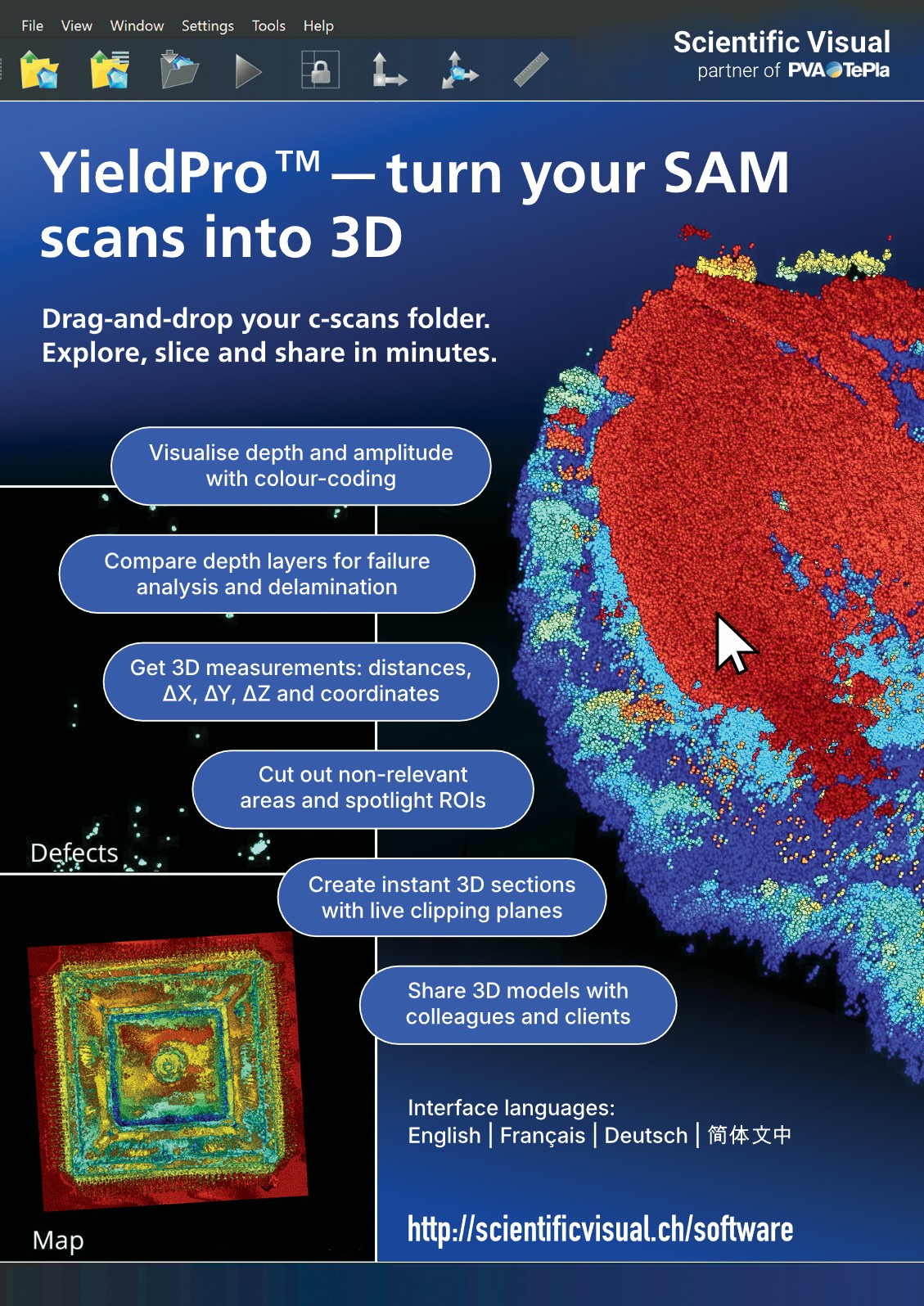
Colour-coded depth = defect clarity
Reveal voids, delamination, and failure layers through intuitive colour mapping.
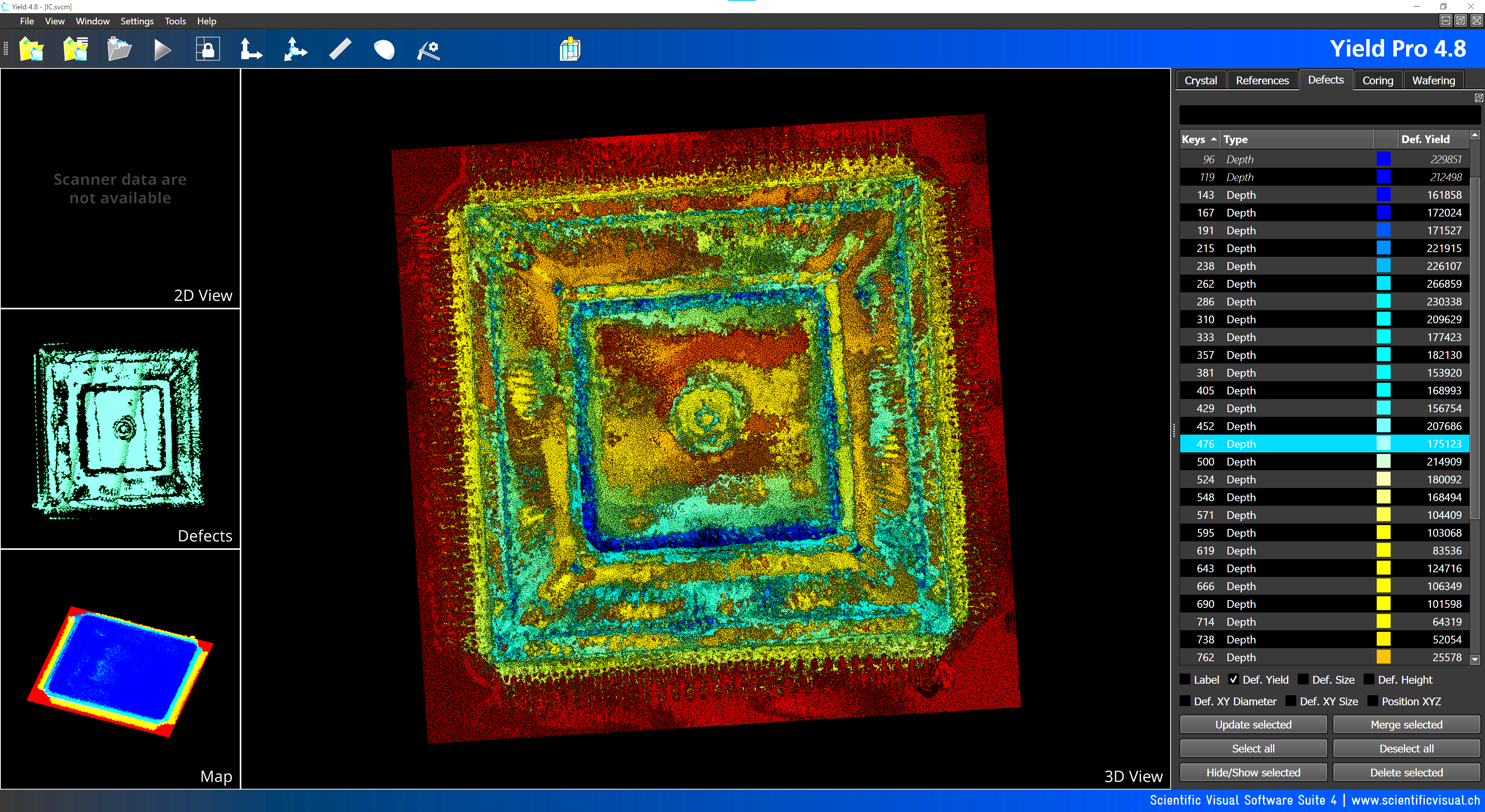
YieldPro™ converts raw acoustic images into a 3D volume where depth or amplitude are colour-coded and easy to understand at a glance.
-
Instantly see depth-coded voids that are difficult to catch in raw 2D scans
-
Locate critical interfaces, delaminations and failure planes within complex stacks
-
Support faster, more confident failure analysis and root-cause investigations
Slice & Clip through your 3D model
Examine internal structure in seconds with interactive slicing tools — no CAD expertise required.
-
Inspect internal features using live 3D clipping planes
-
Dissect your model along any free-hand drawn path and look inside – as shown in the top video on this page.
-
Quickly mark and color critical areas, interfaces, and potential defects
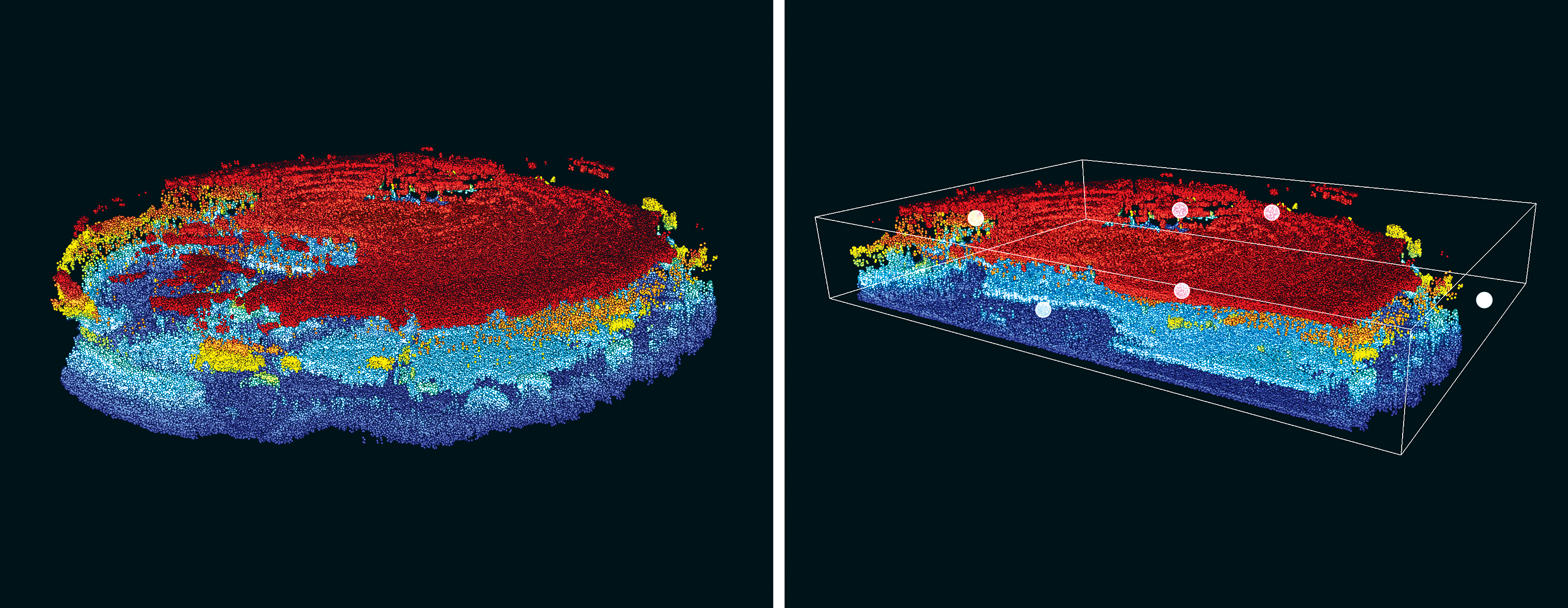
Slice & Clip works both on SAM volumes and 3D models reconstructed from image stacks.
Focus on what matters
YieldPro™ lets you remove non-relevant parts of the model and concentrate on your regions of interest (ROIs).
-
Cut out surrounding material and keep only the critical structures
-
Prepare clean visuals for customer reports and internal reviews
-
Standardise QA documentation with consistent 3D views
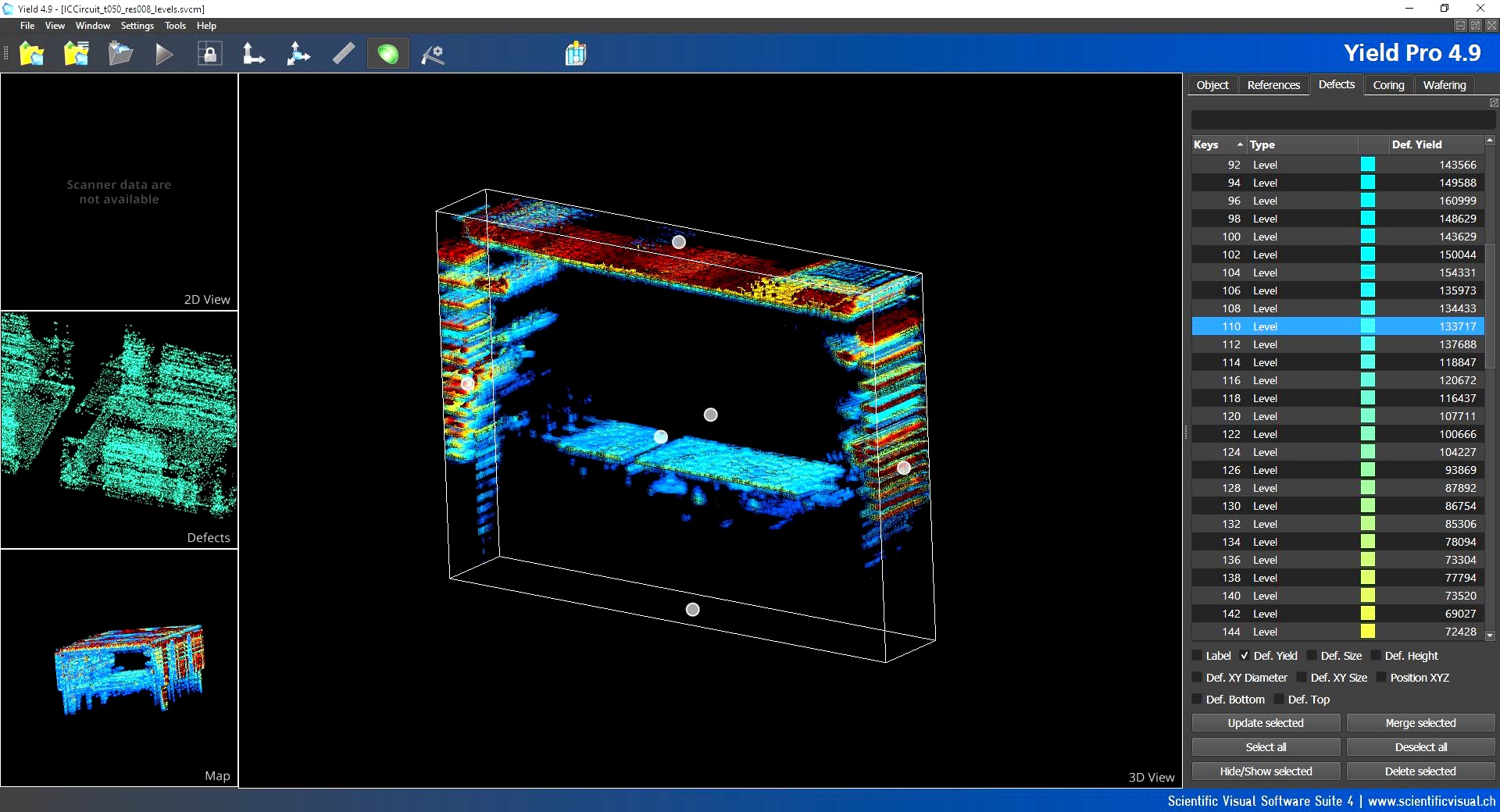
Need publication-grade screenshots for documentation and presentations? Use the built-in screenshot tool (Ctrl+P in the desktop application).
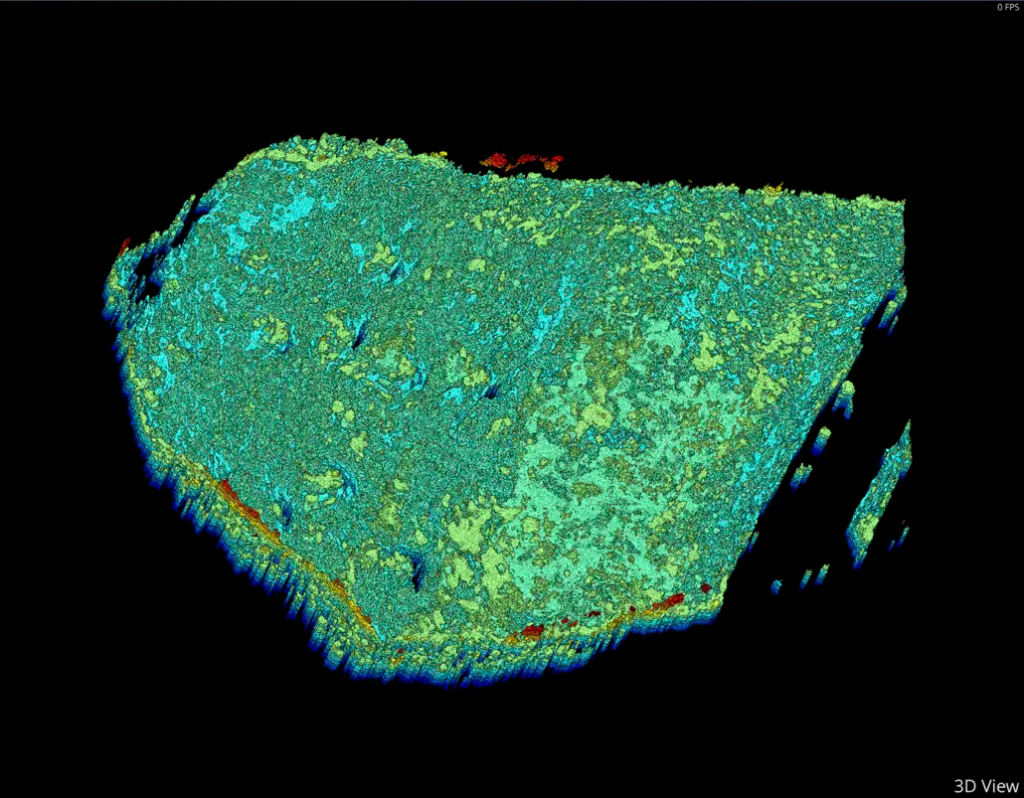
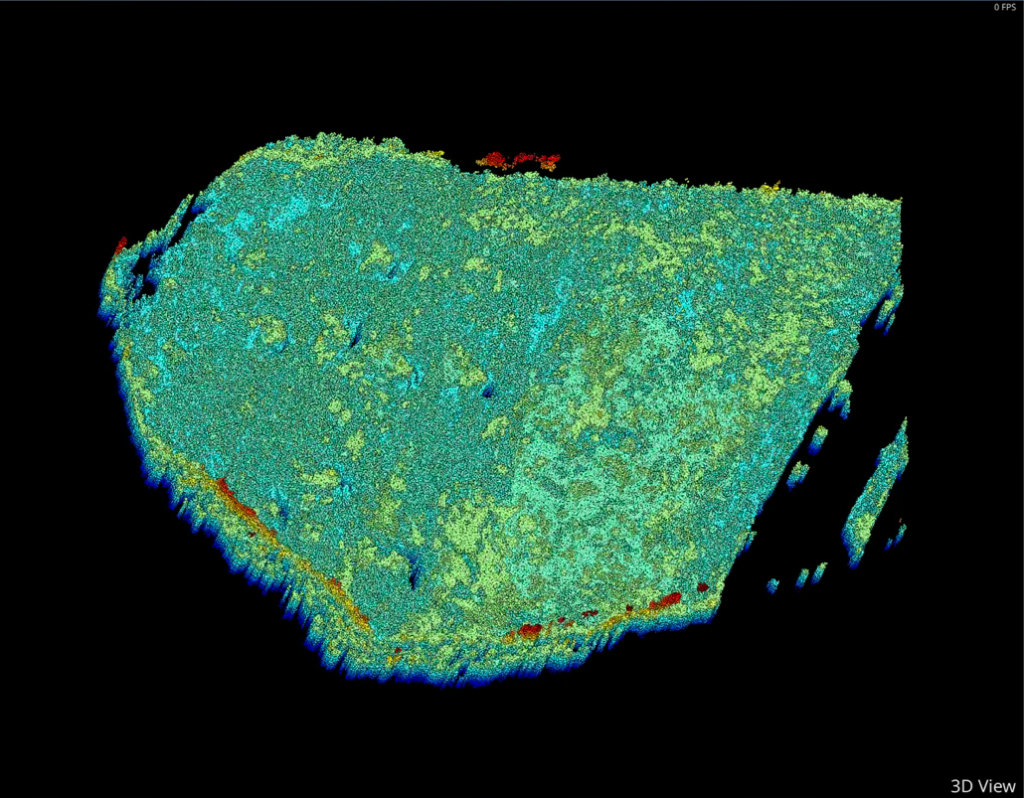
Smart downsampling for large raw scans
Raw scans are often large — sometimes hundreds of megabytes.
YieldPro™ applies a proprietary algorithm to render them smoothly, even on standard PCs, while preserving all essential visual detail. Smart downsampling reduces file size without losing the information that matters. You can select the downsampling level according to your PC’s specs.
 |
 |
Original 3D model
|
Downsampled 3D model
|
-
Maintain visual clarity while largely reducing model size
-
Quickly share 3D models with colleagues, suppliers, and customers – often via simple email attachments
-
Ideal for SAM, optical microscopy, X-ray, and other failure-analysis imaging workflows
Fits into your existing imaging workflow
-
YieldPro™ works natively with PVA TePla SAM systems –and is also at ease with other image stacks
-
Processes PNG/TIFF stacks from optical, acoustic, X-ray and other metrology tools
-
For special formats – contact our team
… and many more
-
Measure precise distances directly in 3D view
-
Edit 3D models in real-time to remove unwanted elements and highlight key areas
-
Share compact .SVCM files via email, Teams, or cloud—no size issues
-
Flexible licensing options: choose between annual subscription and one-time perpetual license
-
Interface available in English, Français, Deutsch, and 简体中文
Frequently Asked Questions
What is required to add YieldPro™ into my QA workflow?
Simply install YieldPro™ — usually on the PC running your SAM or one accessing recorded data. No scanner or hardware changes are needed. YieldPro™ is a standalone software relying on OpenGL, which is usually installed by default.
For complex ultrahigh-resolution models, a GPU upgrade may be needed for smooth real-time rendering. If this is your case – contact our team for advice.
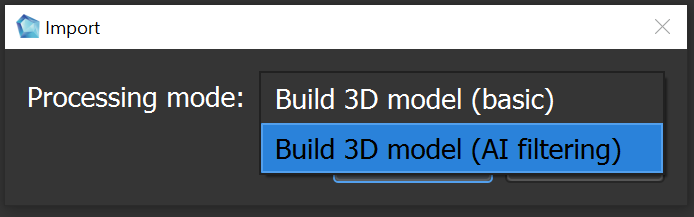
Does YieldPro™ use AI ?
Starting with version 4.9 (September 2025), YieldPro™ includes optional AI module for advanced defect recognition on complex, non-uniform backgrounds. If it is installed on your system, an additional AI options menu will appear when you import data.
What licensing options are available?
Choose annual subscription or perpetual license—both include onboard training, updates, and support.
What are PC requirements?
The below system requirements are for the most recent version of Yield-Pro.
Operating system:
-
Windows 10 or newer
Processor:
-
Minimum: 64-bit dual core, 2GHz
-
Recommended: 64-bit quad core or higher
Hard Drive:
-
Minimum: 2 GB free space
-
Plus: Additional space for each model file (20-200 MB for a typical model)
Memory (RAM):
-
Minimum: 8 GB
-
Recommended: 16 GB or more
Graphics Card:
-
Minimum: 6 GB VRAM, supports OpenGL 3.0